Changing Camera Angles and Poses with ComfyUI and Flux 2 Dev
Welcome, creators and creative friends! In this article, we’ll explore a powerful workflow that lets you change the camera angle and pose of a character or subject while preserving their identity. Unlike previous methods, this approach uses the Flux 2 Dev model on ComfyUI, making the process smoother and highly customizable. Whether you’re a hobbyist or a professional, this guide will walk you through every step of the workflow.
YouTube Tutorial:
1. Overview of the Workflow
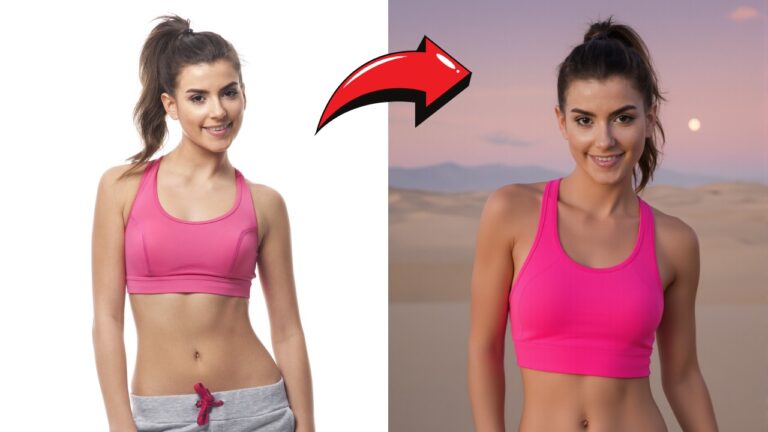
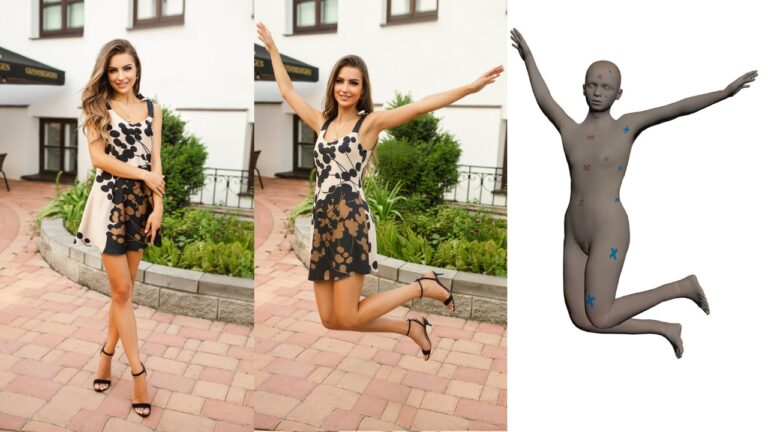
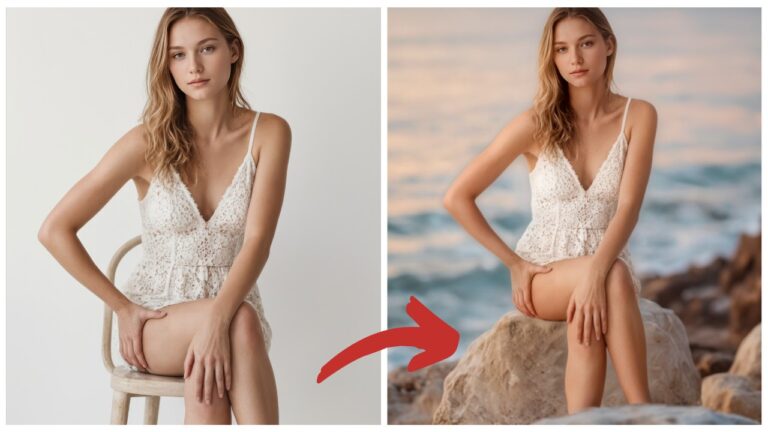
This workflow achieves the same goal as the previous Qwen Image Edit workflow: altering the camera angle and pose of a portrait. On the left, you start with the original image, and on the right, the output shows the same subject in a new pose and angle. The identity remains consistent, while the visual perspective changes dynamically.
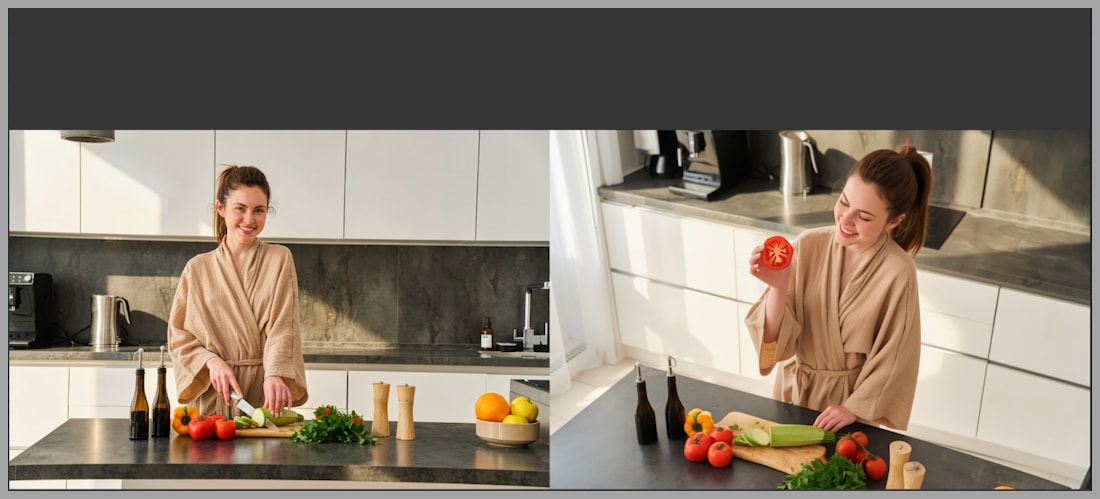
The workflow is divided into two main node groups, each handling a crucial part of prompt generation and image processing.
2. Platform and Model Setup
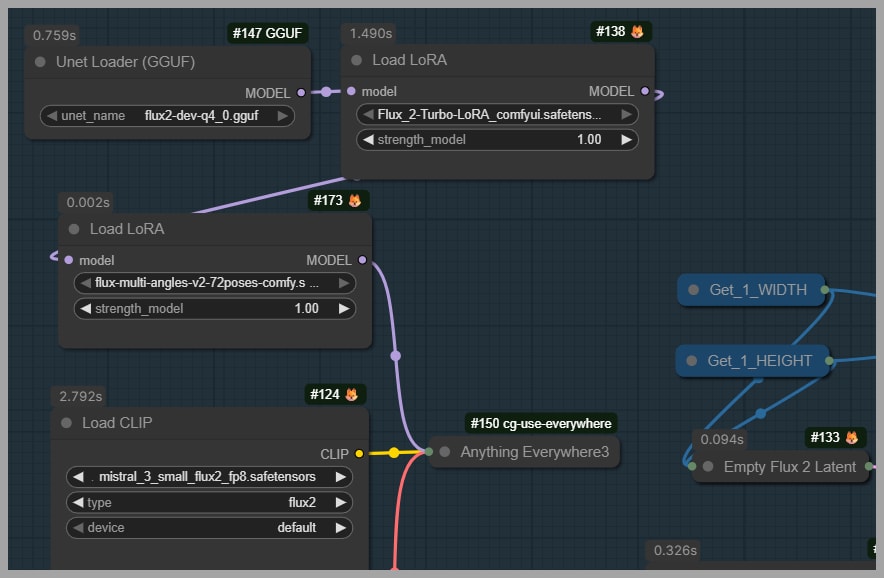
For this workflow, the Flux 2 Dev model is used. The FP8 version is very large (35.5 GB), but the GGUF version (around 20 GB) works efficiently for most systems. Smaller versions are also available for limited VRAM setups. A turbo LoRA is included to reduce the number of sampling steps required for output generation.
3. Understanding the Node Groups
The workflow is divided into two main node groups:
- Camera angle and prompt generation
- Pose generation and prompt merging
Each group performs a distinct role but works together to produce the final output.
3.1. Camera Angle and Prompt Generation
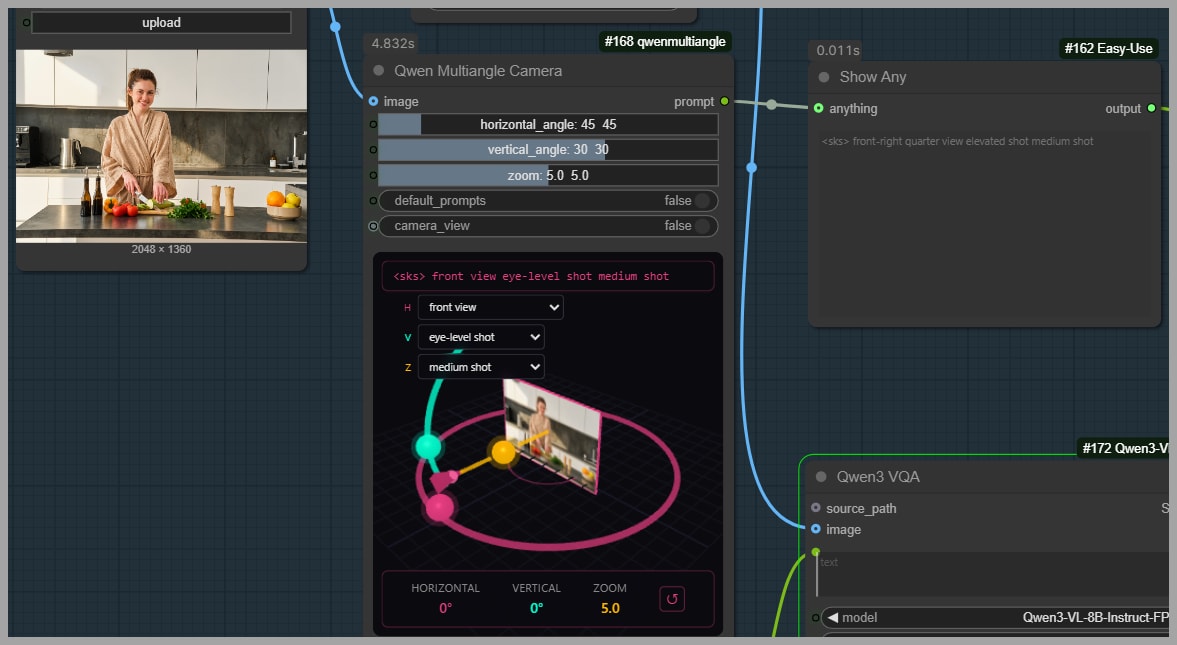
The first node group generates a camera angle prompt.
- The core node here is the “Qwen Multi-angle Camera”, which outputs a camera angle description. Despite its name, it is compatible with any model, not just Qwen.
- The output includes a LoRA trigger (e.g.,
sks) in angle brackets, which will be used in the next node group. - Users can preview the generated prompt to ensure it matches the intended camera angle.
3.2. Pose Prompt Generation
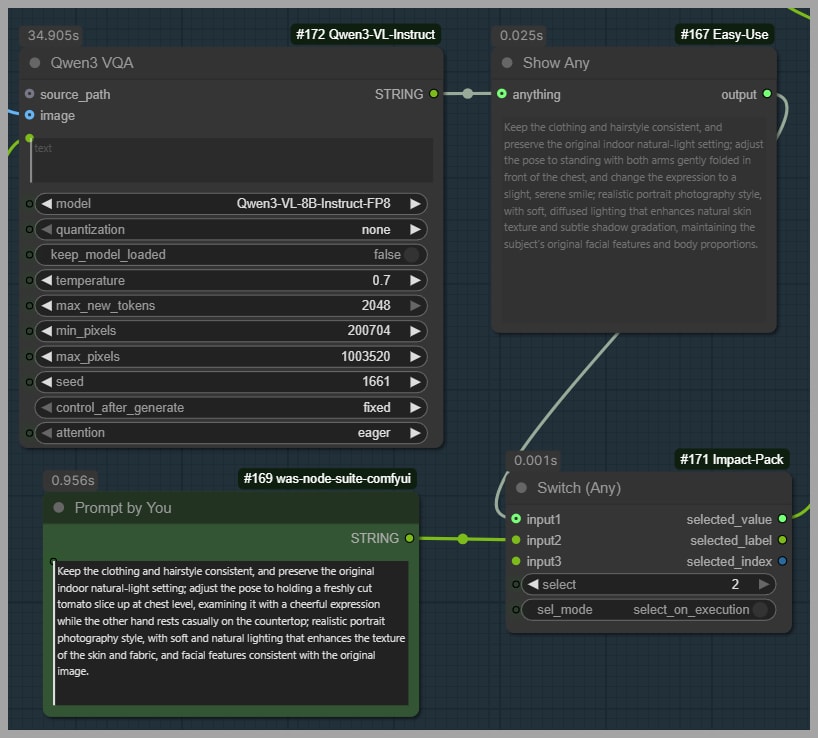
Below the camera node, a pose prompt generator takes the uploaded portrait and creates a prompt describing the pose.
- Users have the flexibility to write a custom prompt if desired.
- A switch node allows toggling between the automatically generated pose and a manual prompt.
This approach ensures the final image aligns with both the camera perspective and pose specifications.
3.3. Combining Prompts
At the end of this first group, a merge node combines the camera angle and pose prompts into a single final prompt. This consolidated prompt is sent to the next node group for processing by the multi-angle LoRA and the Flux 2 Dev model.
4. Multi-Angle LoRA and Model Details
The multi-angle LoRA is the heart of this workflow:
- It supports 72 unique camera positions, giving you a wide variety of angles.
- It was trained specifically on Flux 2 Dev, ensuring accurate anatomy and pose rendering.
- Using Flux 2 Klein may compromise anatomical accuracy, which is why it was avoided in training.
Regarding model sizes and performance:
- FP8 Flux 2 Dev: 35.5 GB
- GGUF Flux 2 Dev: ~20 GB (recommended for most users)
- Turbo LoRA reduces sampling steps from 20+ to faster execution times
- Smaller model versions are available if VRAM is limited
This setup ensures high-quality outputs without overloading your system.
5. Adjusting Output Aspect Ratios
By default, the workflow preserves the original portrait’s aspect ratio.
- To customize the ratio, adjust the width and height parameters.
- Switch the aspect ratio boolean to
falseto apply your custom dimensions.
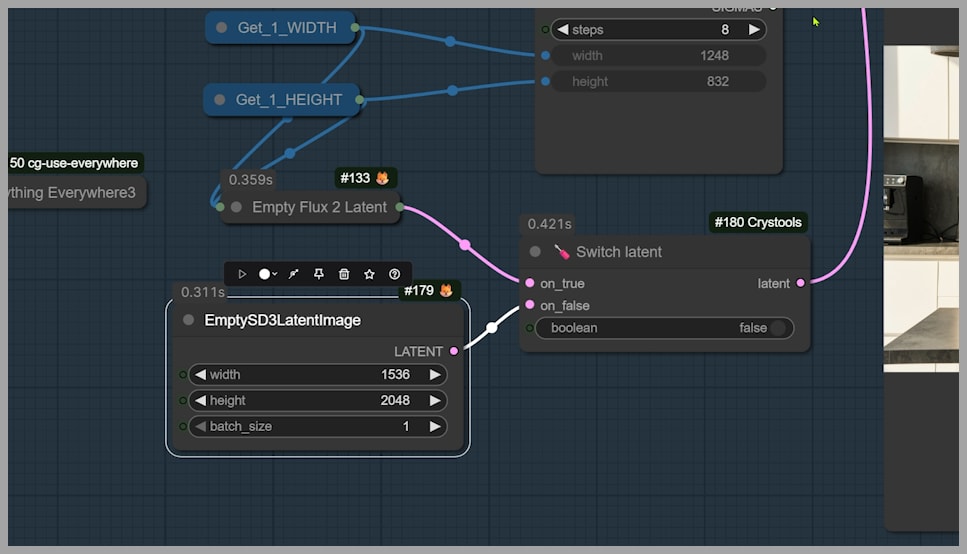
Once these adjustments are made, you can rerun the workflow to generate outputs with new proportions, allowing for more creative framing and composition.
6. Downloading and Supporting the Workflow
If you’d like to download this workflow, join the ComfyUI community and support the creators.
Supporting the creators also ensures continuous updates and improvements to the workflow.
Gain exclusive access to advanced ComfyUI workflows and resources by joining our community now!
Conclusion
This ComfyUI workflow with Flux 2 Dev offers an efficient, customizable way to change camera angles and poses while preserving identity. By understanding the node groups, prompt generation, and multi-angle LoRA, you can create dynamic portrait transformations with ease.
Experiment with different angles, poses, and aspect ratios, and let your creativity flourish. For further learning, explore previous workflows, LoRA models on HuggingFace, and community resources.